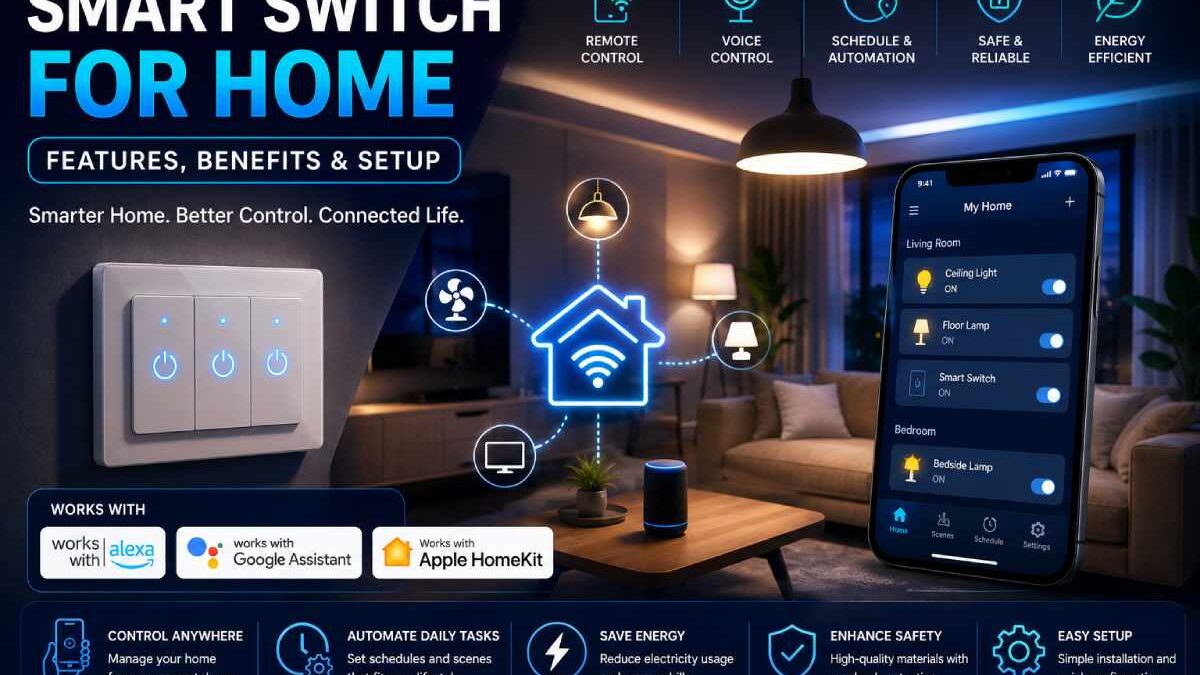

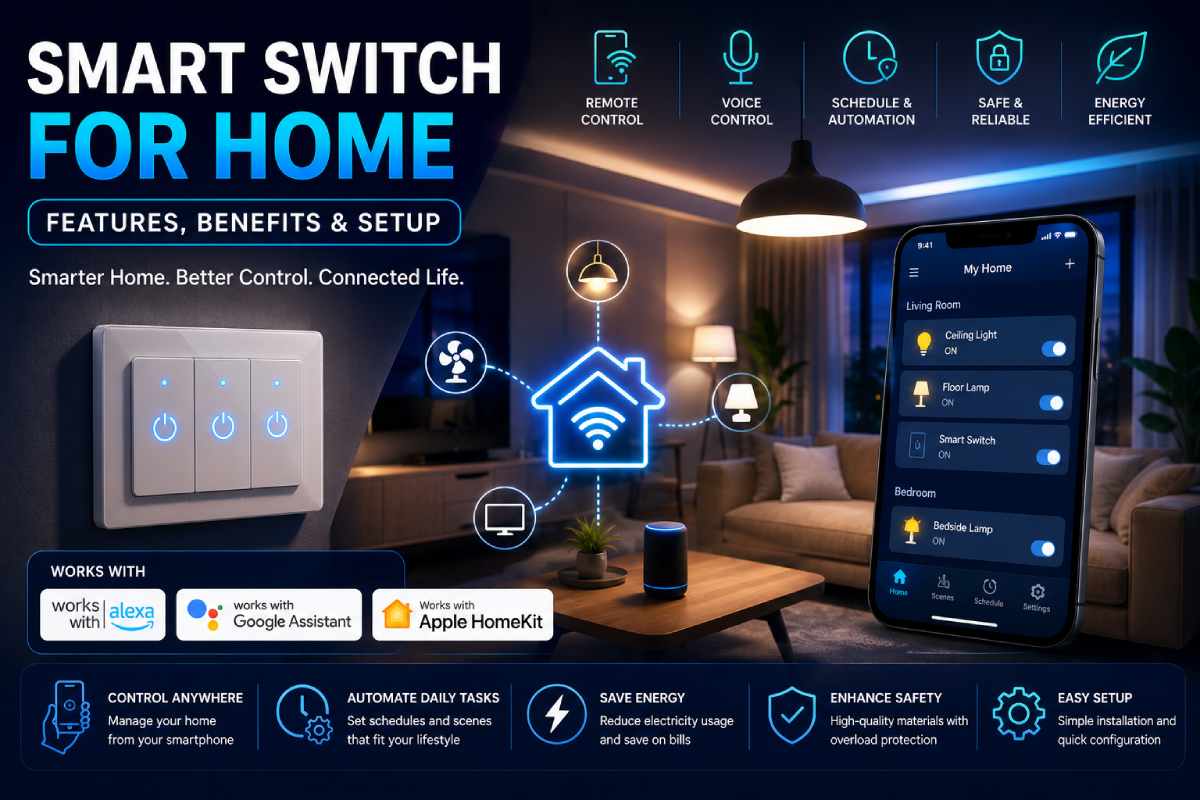


Smart Switch for Home: Features, Benefits & Setup
Table of Contents
Introduction
A smart switch for home, is one of the simplest, most affordable, and most effective ways to start turning your home into a smart home. If you are interested in having your lights controlled by your voice commands, remote access, saving money, or programming your “scenes,” then smart home switches are sure to enhance your life and make it more efficient.
Contemporary smart switches link to your home‘s network by WiFi, or through a smart-home hub. With this type of device, you can turn your lights on, or off, with your cell or by your voice.
This guide explains:
- What smart switches are
- How they work
- Benefits of smart electrical switches
- Smart switch installation basics
- WiFi smart switch compatibility
- Smart switch best features 2026
- Common setup errors and troubleshooting pointers
At the end of this article you will be informed about what smart switch is best to home automation.
What exactly is a smart switch for the house?
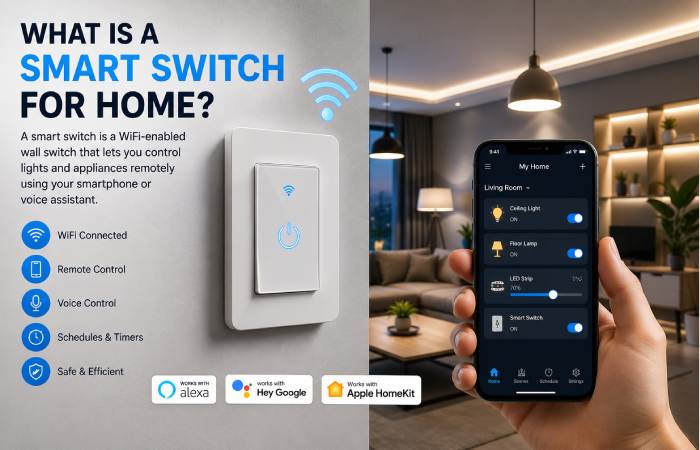
Smart switch is a electrical switch which is connected to an internet and will enable you to control the appliances from:
- Smartphone apps
- Smart home ecosystems
- Automation schedules
- Voice assistants
Unlike traditional switches, smart switches offer:
- Energy monitoring
- Automation routines
- Remote access
- Voice control integration
How Smart Home Switches Work
Smart switches connect through:
- WiFi
- Zigbee
- Z-Wave
- Matter protocol
- Bluetooth
Most WiFi smart switches connect directly to:
- Alexa
- Google Home
- Apple HomeKit
Some advanced systems also work with:
- Smart sensors
- Security systems
- Motion detection
- AI automation routines
Benefits of Using Smart Electrical Switches
Remote Access
Lights and appliances can be controlled remotely using a mobile application.
Example uses:
- Turning off forgotten lights
- Scheduling outdoor lighting
- Controlling fans remotely
Voice Assistant Integration
Modern smart switches support:
- Amazon Alexa
- Siri voice commands
- Google Assistant
For example: “Alexa, turn the living room lights off.”
Energy Savings
Smart switches help reduce energy waste by:
- Monitoring electricity usage
- Turning devices off automatically
- Automating schedules
Home Security Benefits
Smart lighting schedules can duplicate occupation.
This improves:
- Home security
- Theft prevention
- Vacation automation
Types of Smart Switches
| Smart Switch Type | Best Use Case | Connectivity |
| WiFi Smart Switch | General home use | WiFi |
| Zigbee Switch | Large smart homes | Hub required |
| Z-Wave Switch | Advanced automation | Hub required |
| Touch Smart Switch | Modern interiors | WiFi/Bluetooth |
| Dimmer Smart Switch | Lighting control | WiFi/Zigbee |
WiFi Smart Switch vs Traditional Switch
| Feature | Traditional Switch | Smart Switch |
| Remote Control | No | Yes |
| Voice Commands | No | Yes |
| Automation | No | Yes |
| Energy Monitoring | No | Available |
| Smartphone Control | No | Yes |
Smart Switch Compatibility Guide
Compatible Smart Ecosystems
| Smart Home Ecosystem | Compatibility |
|---|---|
| Amazon Alexa | Excellent |
| Google Home | Excellent |
| Apple HomeKit | Limited on Some Models |
| Samsung SmartThings | Excellent |
How to Install a Smart Switch
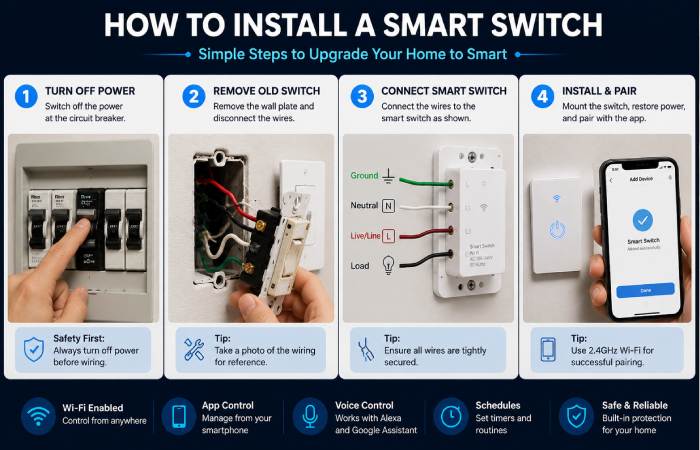
Important Safety Warning
Always isolate the power before installation.
If unsure:
- Contact a certified electrician
- Avoid live-wire handling
Basic Installation Steps
- Turn off the power supply
- Remove the old switch
- Connect the smart switch wiring
- Install the wall plate
- Restore power
- Connect through the app
- Configure voice assistant
16 Best things to have in 2026
Matter Support
Matter aims to be the standart in the Internet of Everything.
Benefits:
- Better compatibility
- Faster setup
- Cross-platform integration
Energy Monitoring
Some smart switches track:
- Real-time energy use
- Monthly consumption
- Appliance efficiency
AI Automation
AI-powered routines can:
- Learn user behavior
- Automate lighting patterns
- Optimize electricity usage
Common Smart Switch Problems
Smart Switch Not Connecting to WiFi
Solutions
- Use 2.4GHz WiFi
- Restart router
- Reset the switch
- Reinstall the app
Voice Assistant Not Detecting Device
Solutions
- Re-link accounts
- Update firmware
- Refresh smart home app
Smart Switch Keeps Disconnecting
Solutions
- Improve WiFi signal
- Avoid overloaded routers
- Update firmware regularly
Best Smart Switch Use Cases
Bedroom Automation
- Night lighting schedules
- Voice-controlled lamps
Living Room Automation
- Smart entertainment lighting
- Movie mode scenes
Outdoor Lighting
- Scheduled garden lighting
- Security automation
Future of Smart Home Automation
Smart home systems in 2026 increasingly include:
- AI-based automation
- Predictive energy management
- Cross-platform integration
- Voice-first control systems
The market for smart switches has the potential to grow quickly as homes are wired for more technology and become more energy-efficient.
Internal Linking Opportunities
Link this article to:
- Smart home setup guides
- WiFi router tutorials
- IoT security articles
- Smart lighting comparisons
- Best smart gadgets lists
- Home automation beginner guides
FAQ Section
What a smart home switch?
A smart switch is a networked electrical switch that allows remote and automatic control of the lights and appliances in a location.
Do smart switches requires WiFi?
Most of the smart switches operate using WiFi, with some running ZigBee and Z Wave protocol through a smart hub.
Wireless Smart switches, can we make it work without internet?
Yes some of them still work Offline without having internet,
Are smart switches safe?
Yes, if properly installed and in an affordable range from well-known brands or reliable companies.
Do the smart switches save the electricity?
Yes, automation and scheduling can help to reduce unnecessary power consumption.
Troubleshooting Section
Issue: Smart switch app is not being able to detect device.
Solution
- Reset device
- Enable Bluetooth temporarily
- Ensure correct WiFi frequency
Could us: Usage of torches or flickering lights.
Solution
- Verify neutral wire compatibility
- Check dimmer compatibility
- Consult an electrician if needed
Issue: Smart switch goes offline regularly
Solution
- Improve router placement
- Update firmware
- Reduce WiFi congestion
Smart Switch for Home Resource Hub
Learn everything about smart switches for home automation, including installation guides, WiFi setup, smart lighting control, Alexa compatibility, energy-saving solutions, troubleshooting tips, and smart home automation ideas.
Conclusion
What of the current products can be taken as an ideal foundation for the design of a complete modern smart-home environment? A smart home switch seems to fit best. Automation, remote access, voice control, energy saving; it does all that most of us would desire.
When selecting the ideal smart home switches, and embracing the following know-hows of compatibility, installation, and automation, you open the door to a smart, future-proof connected home without any of the clutter.