
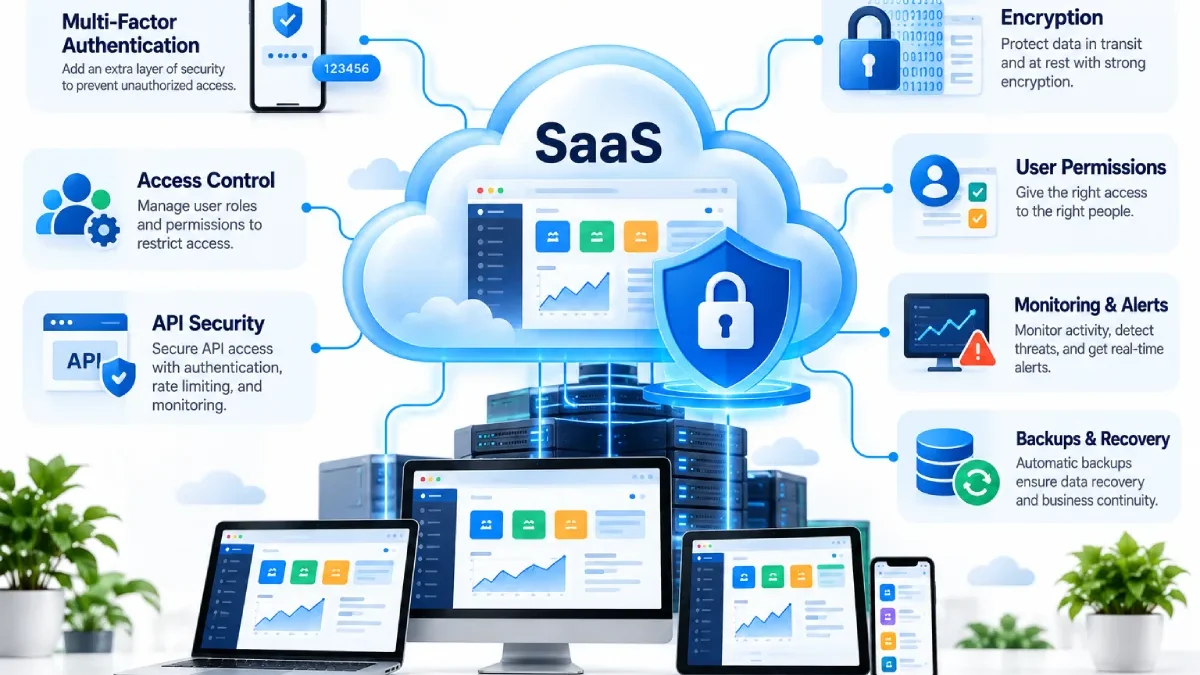

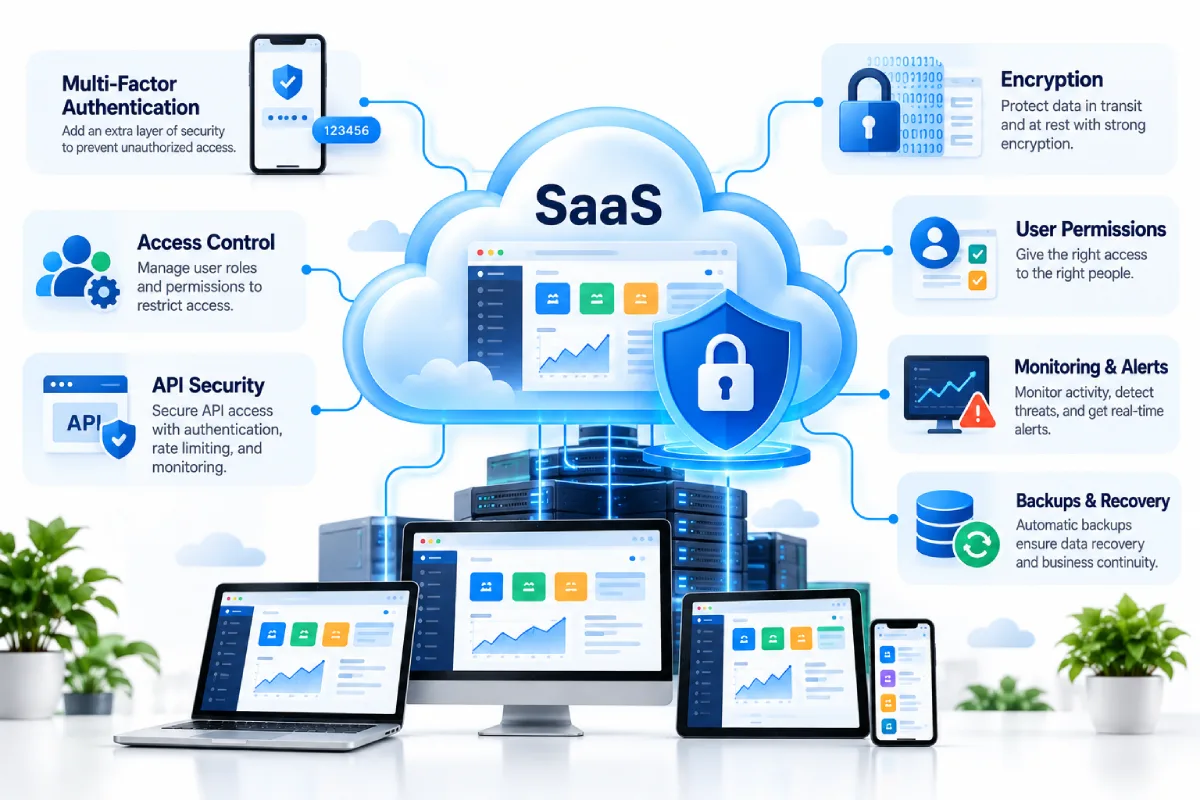


SaaS applications also store significant business information and customer data, document files, and employee files.
Security of cloud application needs to extend to both the platform of the provider AND the configuration and use of the customer.
A good SaaS Security begins with a fundamental set of controls, then progresses to monitoring, access controls, data security and education.
Table of Contents
Use Strong Authentication
Strong authentication must be enabled on every SaaS account.
If available organisations should look into multi-factor authentication, as a password alone does not offer sufficient security.
Authentication policies should also cover:
- Password requirements
- Account recovery
- Session management
- Login monitoring
- Suspicious activity
Apply Least-Privilege Access
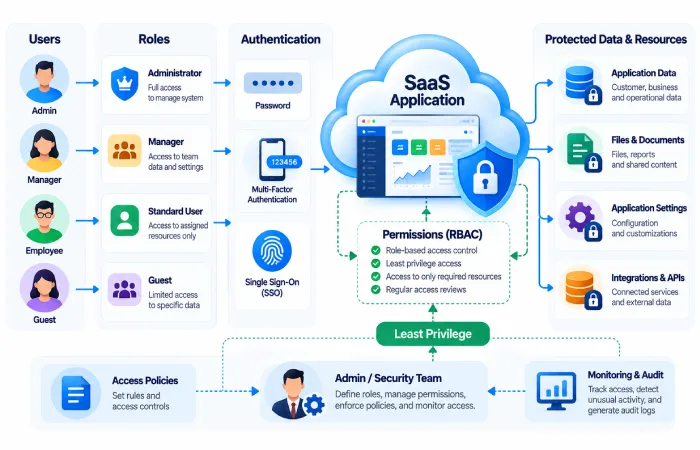
Users must have only the permissions they require.
For instance, an employee who merely requires access to view reports could possibly do this without admin access.
A simple permission structure makes it less expensive to limit the damage if an account is compromised.
Review permissions frequently as well, particularly when people change jobs.
Use Role-Based Access
Permissions by role may facilitate access control.
Common roles might include:
- Administrator
- Manager
- Editor
- Contributor
- Viewer
The specific functions may vary depending on the application.
Don’t put the administrator into 100% access just because it’s easier.
Protect Sensitive Data
Information stored on a SaaS platform might be private and business sensitive, so customers need to know the security provisions in place.
Important areas include:
- Encryption
- Data storage
- Data transmission
- Backup
- Retention
- Deletion
- Data export
Information should be more protected where necessary.
Secure Integrations and APIs
SaAAS is frequently integrated with other SaaS applications.
Such as through a CRM system sharing data with, as an example, accounts or marketing systems.
Each integration adds another link to be secured.
Review:
- API keys
- Access tokens
- Permissions
- Connected applications
- Third-party integrations
Remove any previous integrations no longer required;
Monitor User Activity
Monitoring can flag abnormal activity.
Depending on the application, useful activity records may include:
- Login events
- Permission changes
- File access
- Data exports
- Administrative actions
- Unsuccessful authentication attempts
Logs are particularly helpful when you are looking for some suspicious activity.
Keep Accounts Updated
7. User accounts should be checked routinely.
Remove any logs of individuals who have left the organisation.
Additionally monitor discontinued accounts, joint accounts, temporary users and inactive administrative accounts.
Account cleanup is a straightforward but critical security step.
Back Up Important Information
Although a SaaS provider may have its own backup systems it is worth the business knowing how the recovery process works.
Ask:
- Why backing up data?
- For what duration is it stored?
- Is it possible to export the data?
- The circumstances under which an account is suspended.
- What is the timeframe for data to be recovered?
Critical Business Information must have no reliance upon a process when such process is unknown.
Train Users
Technology is not enough to eliminate all security risks.
Users should understand basic security practices such as:
- The detection of potentially malicious login attempts
- Protecting passwords
- Using multi-factor authentication
- Avoiding unknown links
- Reporting unusual account activity
- Using approved software integrations
Security awareness can reduce risks caused by simple mistakes.
Review the SaaS Provider
Examine the security information of the SaaS before using the service.
Depending on the business, you may need to examine:
- Security policies
- Privacy practices
- Compliance information
- Authentication options
- Data location
- Incident response
- Backup policies
- Support processes
The criticality of the area varies with the sensitivity of the data under consideration.
Create a SaaS Security Checklist
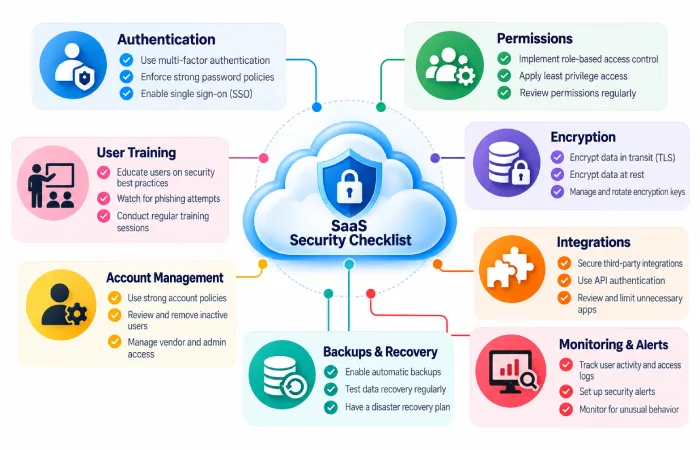
A simple review can include:
Authentication Availability of multi-factor authentication?
Permissions: Is access to roles managed?
Data: Is the information you handle secured?
Integrations: processes that include ‘connections’ with services or applications which are that of 3rd parties.
Log tracking: Were the key activities and workflow actions recorded?
Recovery: Is important data recoverable or exportable?
Users: Are employees instructed on the basics of security?
Final Thoughts
Security also remains the downside of SaaS.
The provider secures the platform; the customer will still need to be responsible for the accounts, permissions, integrations, configurations and the usage of the service.
A pragmatic approach to cloud application security is based on “strong authentication; least-privilege access; application of data protection; monitoring, backup and recovery; anduser education”.
