
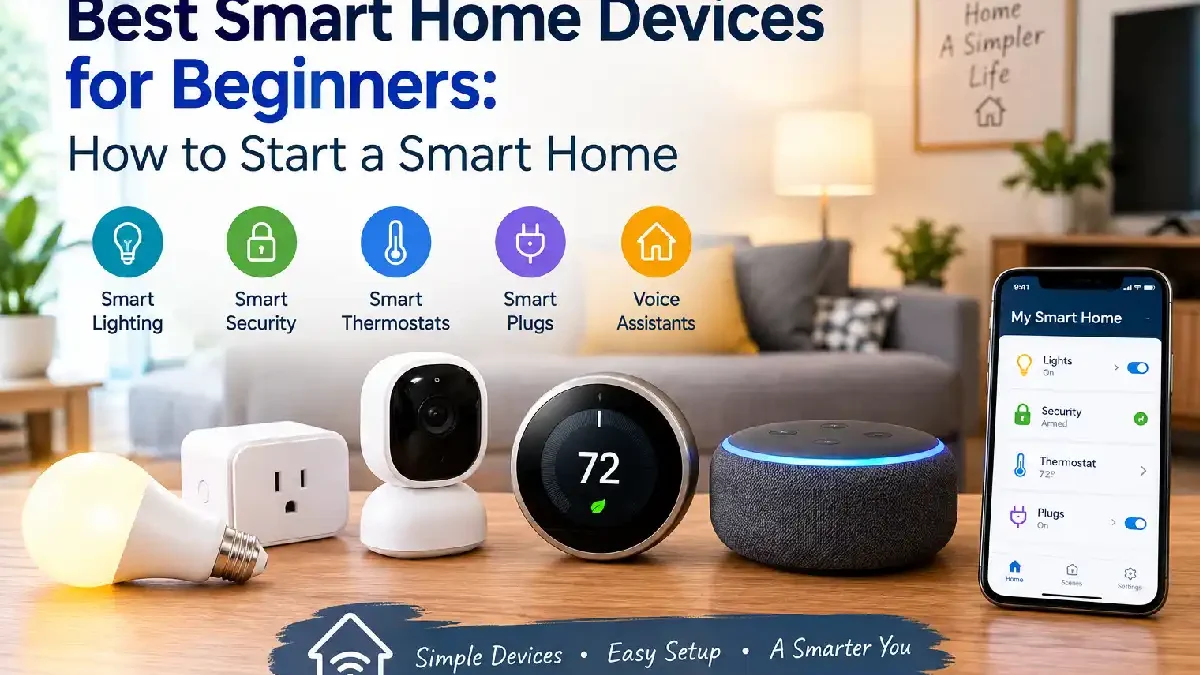

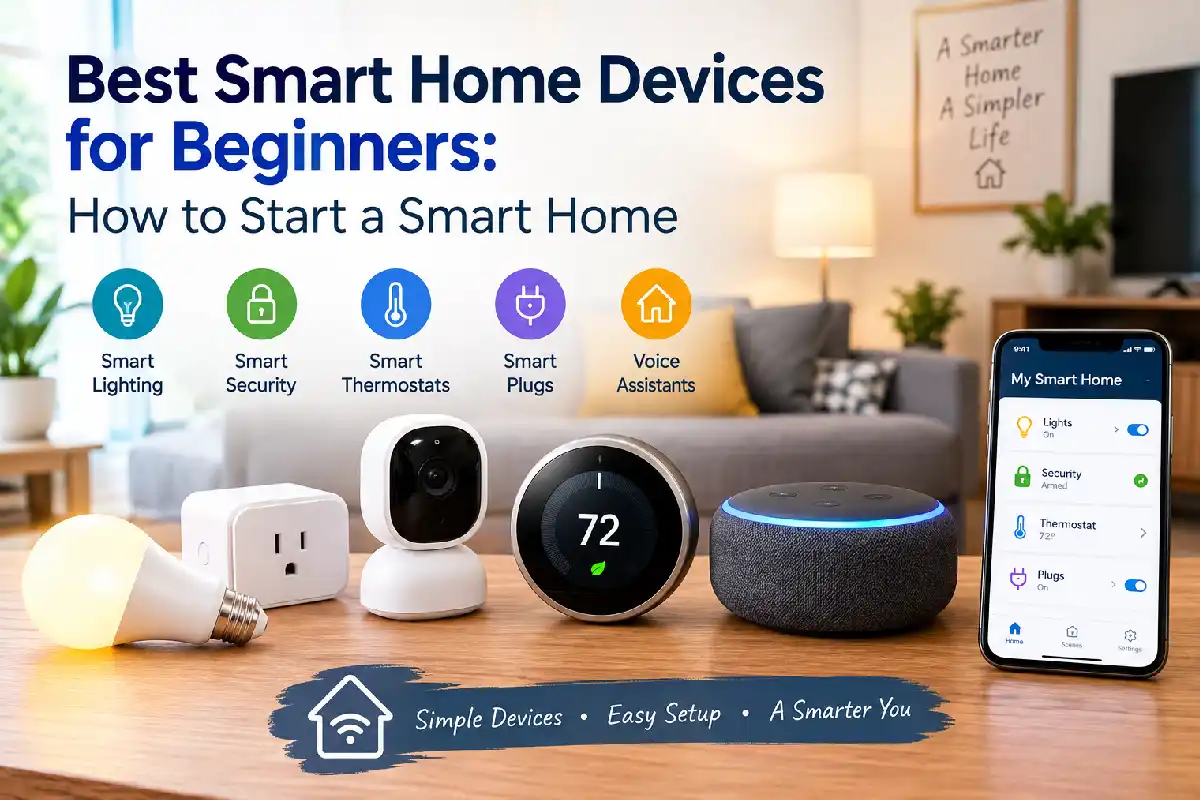


Best Smart Home Devices for Beginners
Starting a smart home does not mean replacing everything in your house with expensive technology.
For most people, the easiest way to begin is with a few simple devices that solve everyday problems. A smart plug can automate a lamp, a smart bulb can add schedules and voice control, and a smart speaker can become a simple way to control compatible devices.
The key is to start small and make sure the devices you buy can work together.
This guide covers the best smart home devices for beginners, what to buy first, how to build a simple setup, and what to check before spending money on smart home gadgets.
Table of Contents
What is a Smart Home?
A smart home uses connected devices that can be controlled through an app, voice commands, schedules, sensors, or automated routines.
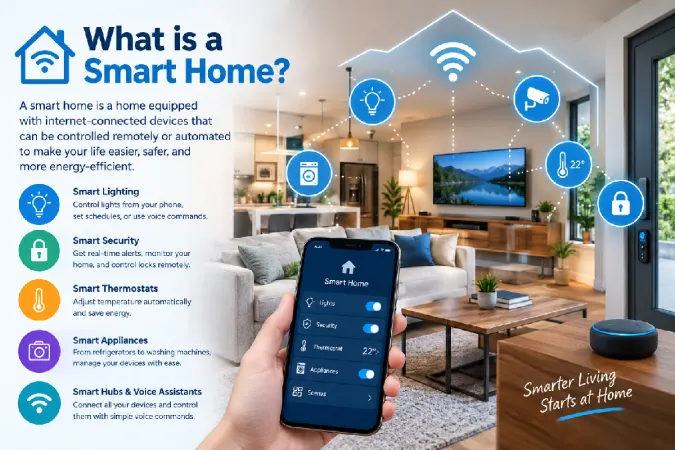
Common smart home devices include:
- Smart plugs
- Smart light bulbs
- Smart speakers
- Motion sensors
- Door and window sensors
- Smart thermostats
- Smart cameras
- Smart locks
You do not need all of these.
A beginner smart home can start with just one or two devices.
What Should You Buy First?
The best first device depends on what you want to automate.
For many beginners, a smart plug is one of the easiest starting points. You can use it with a lamp, fan, or another suitable appliance and control the connected power remotely.
A smart light bulb is another simple choice. You can turn it on or off from your phone, create schedules, and on compatible systems use voice commands.
A smart speaker or display can be useful when you want one central way to control multiple devices. Google Home, Alexa, Apple Home, and other platforms support compatible smart home products, although device compatibility varies. (Google Help)
Best Smart Home Devices for Beginners
1. Smart Plugs
Smart plugs are among the easiest basic home automation devices to understand.
You plug the device into a suitable wall outlet and connect an appliance to it. Depending on the model, you can then control the power through an app or supported smart home platform.
Smart plugs are useful for:
- Lamps
- Fans
- Simple appliances
- Scheduled routines
- Remote switching
Before buying one, check the plug’s electrical rating and make sure the appliance is suitable for use with a smart plug.
2. Smart Light Bulbs
Smart bulbs are another popular choice for a beginner smart home setup.
Depending on the model, you may be able to control brightness, create schedules, change colors, or use voice commands.
They are particularly useful in bedrooms, living rooms, offices, and other spaces where lighting routines can make a difference.
3. Smart Speakers
A smart speaker can make it easier to control compatible devices with voice commands.
For example, you may be able to ask the assistant to turn off a connected light or plug.
A speaker can also provide a central place for your smart home routines.
Google Home supports compatible lights, plugs, thermostats, sensors, cameras, and other devices, while Alexa supports categories including lights, smart plugs, sensors, locks, and thermostats.
4. Motion Sensors
Motion sensors can make a smart home feel more automatic.
For example, a sensor could trigger a light when someone enters an area, depending on the devices and automation platform being used.
Sensors are useful for:
- Hallways
- Bathrooms
- Bedrooms
- Entry areas
- Night-time lighting
You can also combine them with other devices to create simple routines.
- Door and Window Sensors
Contact sensors detect whether something such as a door or window is open or closed.
These are simple devices but can be useful for automation and awareness around the home.
For example, a routine could notify you when a particular door is opened or trigger another compatible action.
6. Smart Displays
A smart display combines a screen with smart assistant features.
It can show information and provide a visual way to control compatible smart home devices.
A display may be useful if you prefer tapping controls on a screen instead of using voice commands for everything.
How to Start a Smart Home
You do not need a full smart home starter kit on day one.
A simple approach is:
Step 1: Choose one problem to solve.
Maybe you want easier lighting control or the ability to turn a lamp on and off remotely.
Step 2: Buy one suitable device.
Start with a smart plug or bulb.
Step 3: Choose your smart home platform.
Think about the phone, voice assistant, and other products you already use.
Step 4: Set up the device.
Follow the manufacturer’s instructions and connect it to the appropriate app or platform.
Step 5: Create one simple automation.
For example, schedule a light to turn on at a particular time.
Step 6: Add devices gradually.
Once the first device works properly, add more devices that fit your needs.
This approach keeps the setup easier to manage.
How Smart Home Devices Connect
Smart home devices can use different connection technologies.
Common options include:
- Wi-Fi
- Bluetooth
- Thread
- Zigbee
- Ethernet
The right option depends on the device and smart home system.
Wi-Fi devices are often straightforward for beginners because they can connect directly to a home network. Other technologies may work through a compatible hub or controller.
Do not assume that two devices will automatically work together just because both are called “smart.”
Always check compatibility before buying.
What Is Matter?
Matter is an open smart home connectivity standard designed to make compatible devices work across supported smart home platforms.
The Connectivity Standards Alliance describes Matter as a common standard that uses technologies including Wi-Fi, Thread, and Ethernet for connected devices, with Bluetooth Low Energy used for setup. (CSA-IOT)
For beginners, the practical lesson is simple:
Look for Matter support when compatibility and future flexibility are important to you.
However, Matter support does not mean every feature works identically across every platform. Check the device’s actual compatibility and supported features before purchasing.
How to Choose Easy-to-Use Smart Home Devices
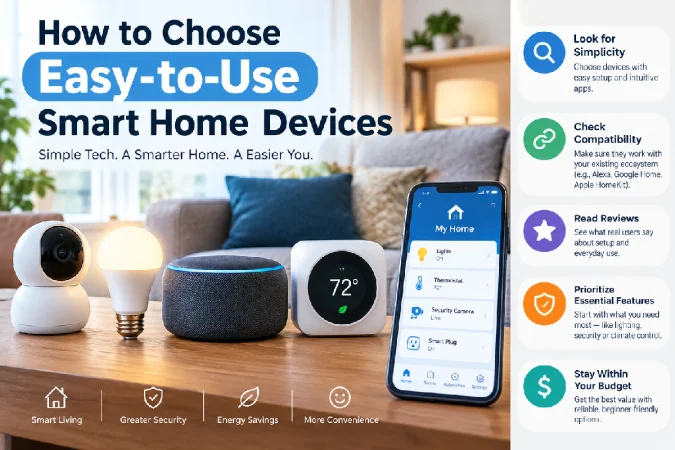
When comparing easy-to-use smart home devices, look beyond the price.
Check Compatibility
Make sure the device works with your preferred platform.
A device may support Alexa but not Apple Home, or it may support Google Home while offering different features on another platform.
Check the App
A device with a confusing app can be frustrating even when the hardware is good.
Look for clear setup instructions and simple controls.
Check Wi-Fi Requirements
Some smart home products use Wi-Fi, while others use different wireless technologies.
Some Wi-Fi smart home devices may require a 2.4 GHz connection, depending on the product. (Digprj Survey)
Check Installation
Beginners should usually start with products that are easy to install and do not require electrical work or complicated wiring.
Check Future Compatibility
Look for products that fit the smart home platform you plan to use in the long term.
Matter can be useful here, but always check the exact device specifications.
Affordable Smart Home Gadgets Worth Considering
You do not need expensive equipment to start.
Some of the most accessible categories are:
Smart plugs: useful for simple on/off automation.
Smart bulbs: useful for lighting schedules and remote control.
Basic sensors: useful for motion and door/window automations.
Entry-level smart speakers: useful as a control point for compatible devices.
Prices vary widely, so compare features rather than choosing only the cheapest product.
A very cheap device is not necessarily a good value if its app is poor, its compatibility is limited, or it stops receiving support.
Do You Need a Smart Home Hub?
Not always.
Some devices connect directly through Wi-Fi and can be managed through an app or compatible smart home platform.
Other devices may use technologies such as Zigbee or Thread and may require a compatible hub, border router, or controller depending on the setup.
The important thing is to understand what the individual device requires before buying it.
Simple Beginner Smart Home Setup
A practical starter setup could look like this:
Smart speaker or platform + 2 smart bulbs + 1 smart plug + 1 motion sensor
That is enough to create useful routines without filling your home with devices.
For example:
Motion detected → hallway light turns on
or:
Scheduled time → living room lamp turns on
The best automation is usually one that saves you a small amount of effort every day.
Smart Home Privacy and Security
Smart home devices connect to your network and may collect information depending on the product.
Before buying, review:
- Account security
- Two-factor authentication
- App permissions
- Privacy settings
- Manufacturer support
- Firmware update policy
Use strong, unique passwords for important accounts and keep devices updated when updates are available.
Also consider what information a device needs to function and whether you are comfortable with its data practices.
Common Beginner Mistakes
Buying Too Many Devices
Starting with ten devices can create unnecessary setup problems.
Begin with one or two.
Ignoring Compatibility
Always check whether the device works with your preferred ecosystem.
Buying Based Only on Price
A cheap device may become expensive in the long run if it has poor software or limited support.
Forgetting Wi-Fi Coverage
A device may work poorly if your wireless network is weak in that part of the home.
Creating Too Many Automations
Automation should make life easier.
If you create complicated routines that fail often, the system becomes harder to use.
Ignoring Security
Connected devices should be treated as part of your home network.
Use secure accounts and keep software updated.
Best Smart Home Starter Kit for a Beginner
You can build a simple starter kit from separate devices rather than buying a large bundle.
A basic setup could include:
| Device | Main Use |
| Smart Plug | Automate a lamp or suitable appliance |
| Smart Bulb | Remote and scheduled lighting |
| Smart Speaker | Voice and app-based control |
| Motion Sensor | Trigger automations |
| Door Sensor | Monitor open/closed status |
You can add cameras, smart locks, thermostats, and other devices later.
Our Best Smart Home Devices pillar page covers the wider range of smart home categories.
Final Thoughts
The best smart home devices for beginners are not necessarily the most expensive or feature-packed products.
Start with a real problem you want to solve.
A smart plug, smart bulb, speaker, or simple sensor can be enough to learn how home automation works. Once you understand your preferred platform and how your devices connect, you can expand the setup gradually.
Before buying anything, check compatibility, connectivity, installation, app quality, security, and long-term support.
A small smart home that works reliably is much better than a complicated setup filled with devices you rarely use.
