
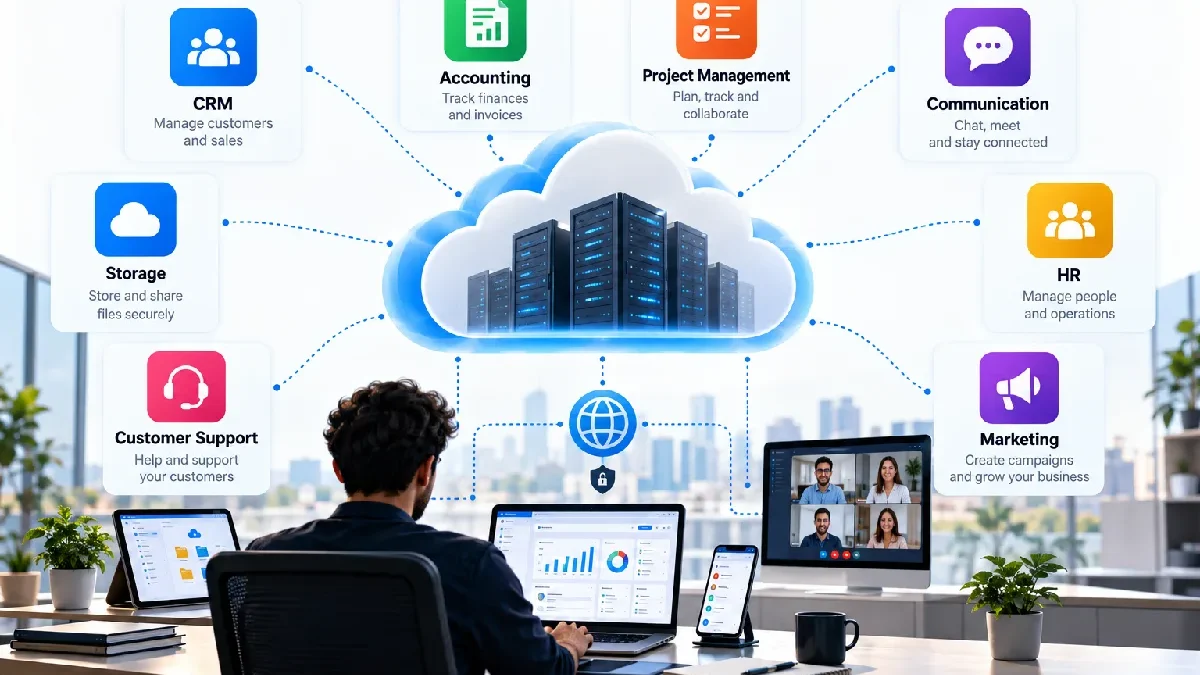

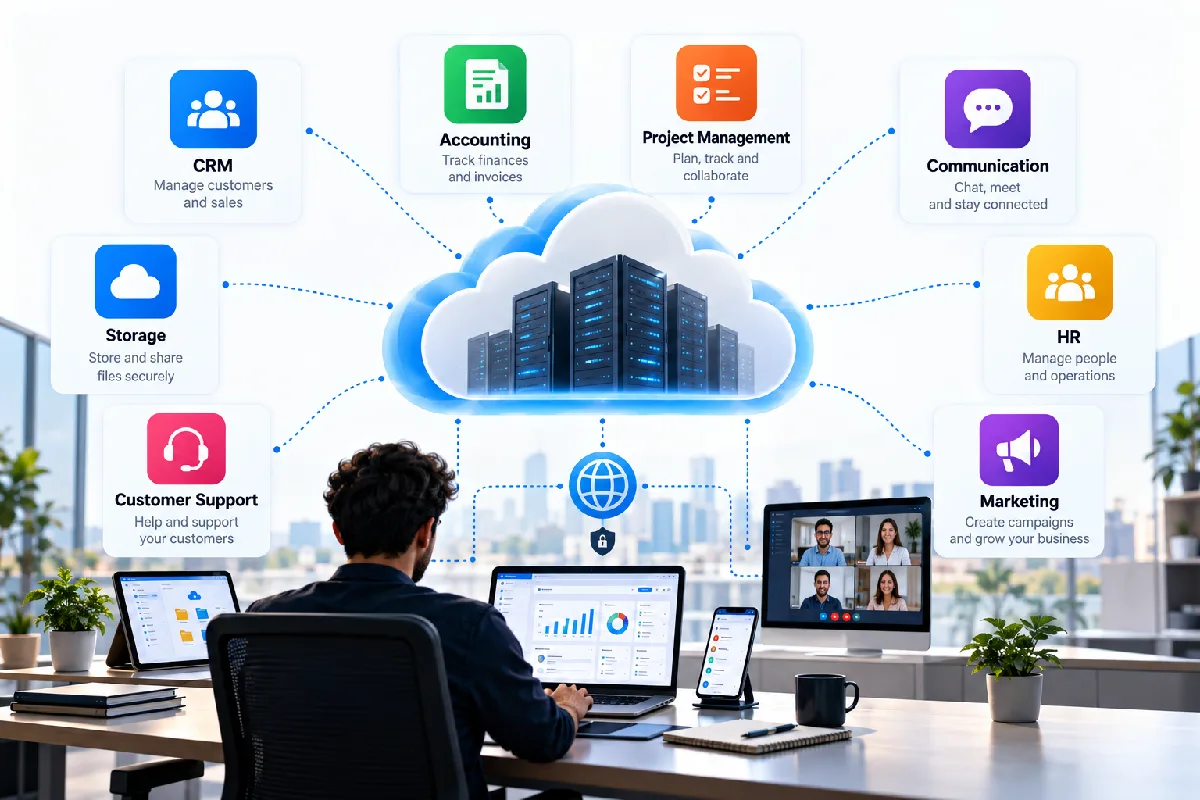


SaaS (software as a service) is being adopted by nearly all kinds of software applications that online users use.
With Document and email tools to CRM and Accounting packages, more common applications now also come in the form of ‘software as a service’.
If you take some real-world categories into account, it‘s easier to understand the concept of SaaS.
Table of Contents
What Makes Software a SaaS Application?
A SaaS application is usually hosted by a service provider and accessed over the network.
The producer is responsible for the application environment. Customers incorporate the software by supported interfaces.
The specific architecture and pricing may vary between services but the underlying idea is software offered as an ongoing service.
1. Email and Communication Software
An example of SaaS is online email.
This allows users to log into supported devices and just read messages without needing to host their own mail server.
Businesses may also use cloud communication platforms for:
- Team messaging
- Video meetings
- Voice communication
- Shared calendars
- Internal collaboration
With this, the teams could communicate without having to operate all the back-end systems on their own.
2. Document and Productivity Software
Online document and productivity applications a second large group of SaaS apps.
Allow users to Generate, Edit, save and share files through cloud services.
Common features include:
- Documents
- Spreadsheets
- Presentations
- File sharing
- Collaboration
- Version history
Those tools may prove especially helpful to a team requiring collaborative information sharing at multiple sites.
3. Customer Relationship Management
CRM software enables businesses to track customer data and sales.
A cloud CRM can store information such as:
- Contacts
- Leads
- Opportunities
- Customer interactions
- Follow-ups
- Sales activity
Instead of hosting a CRM environment in-house a company may host a provider-hosted service.
4. Accounting and Financial Software
Cloud accounting applications can help businesses manage financial tasks such as:
- Invoices
- Expenses
- Payments
- Reports
- Bank transactions
- Customer records
However, SaaS specific accounting tools can be particularly useful for small companies that do not wish to operate their own accounting package infrastructure.
5. Project Management Software
Project management applications tend to be a SaaS offering.
Teams can use them for:
- Tasks
- Deadlines
- Projects
- Assignments
- Comments
- Team collaboration
A project can be accessed by many users as all the data is stored centrally.
6. Cloud Storage and File Sharing
Cloud storage services enable you to upload files that can then be accessed from a supported device as long as it is connected to the internet.
Features can include:
- File synchronisation
- Folder sharing
- Collaboration
- Access permissions
- File history
This eliminates the burden of having to keep the work vital to a single computer.
7. Customer Support Platforms
SaaS software may also be used for customer support by companies.
A support platform may manage:
- Customer tickets
- Conversations
- Knowledge bases
- Support agents
- Response tracking
- Customer history
Cloud based platform means the support teams are able to access the same customer details from various regions.
8. Human Resources Software
HR systems can assist companies in storing details about their employees.
Common functions include:
- Employee records
- Leave management
- Recruitment
- Payroll integration
- Performance information
- Benefits administration
The precise feature set depends on the service.
9. Marketing Software
Marketing teams use SaaS applications for activities such as:
- Email marketing
- Steering and managing social media
- Analytics
- Campaign management
- Customer segmentation
- Automation
This enables marketing teams to implement specialised software without having to develop the supporting infrastructure.
SaaS Examples by Business Function
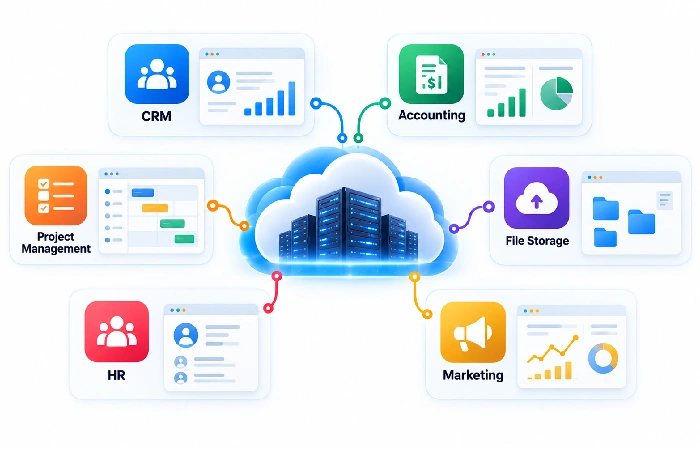
| Function | Common SaaS category |
|---|---|
| Communication | Email and messaging |
| Documents | Cloud productivity |
| Sales | CRM |
| Finance | Accounting |
| Projects | Project management |
| Files | Cloud storage |
| Support | Help desk |
| HR | Human resources |
| Marketing | Marketing automation |
Why Businesses Use SaaS
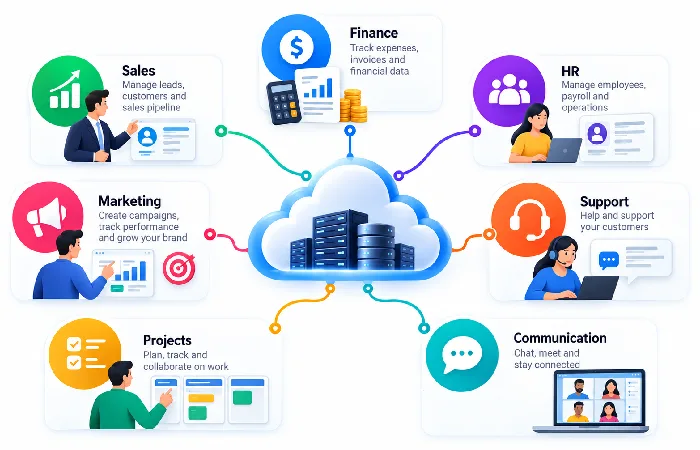
SaaS is preferred by many businesses since it can decrease the scope of infrastructure they require to run on their own.
It may also improve the ease of deploying software between teams and sites.
Nevertheless, it should be paid attention to security, cost, integrations, user permission and data portability when the company prepares to choose a platform.
Final Thoughts
Cloud computing SaaS examples can be seen in almost every part of modern business applications.
All applications: E-mail, productivity suites, CRM, accounts, project management, cloud storage, customer service, HR, marketing can be delivered using SaaS-based model.
Having this knowledge makes it easy to identify which ones are SaaS and differentiate between alternative software services in the cloud.
